Follow one design from upload to published product. Once you have checked the result, use the same settings and mockup layout for the rest of your designs.
You will need your Printify account, a connected store, and a design to start.
01
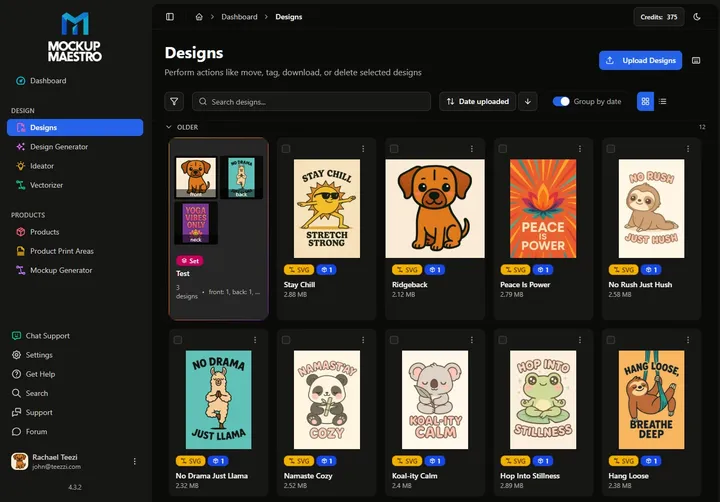
Connect your store and upload a design
Connect your Printify account and store in Settings, then upload a design. You can add a whole folder later. Start with one so you can check the finished product before making more.
Have your Printify account, store access, and a print-ready design handy.
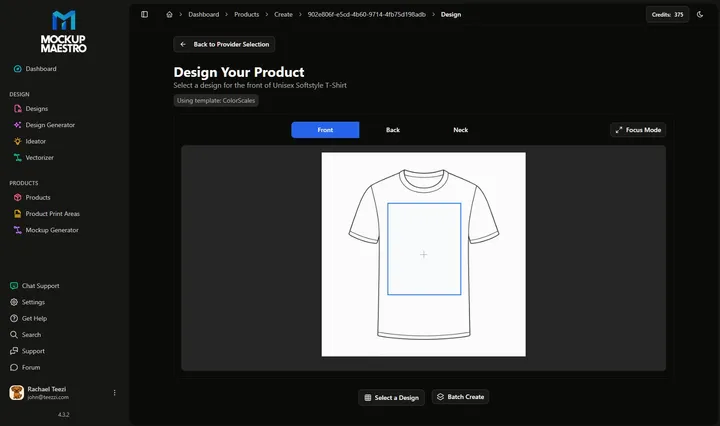
Choose your product and print provider. Position your artwork, choose your colors and sizes, and review pricing. Reuse your settings for later products.
Check placement and variants on one product before applying the setup to more designs.
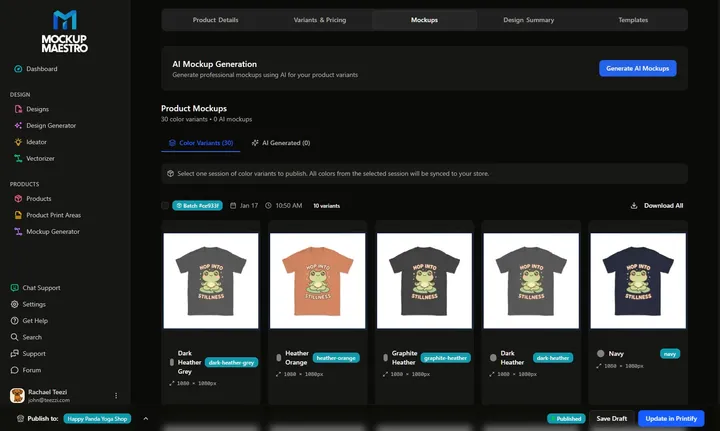
Arrange your mockup and generate images for your product colors. Publish your product, then sync the mockups to Shopify. Maestro matches each image to its color variant.
Open the finished listing in your store and check the images, colors, sizes, and price.